Geofencing for Fleets: How Virtual Boundaries Protect Your Vehicles
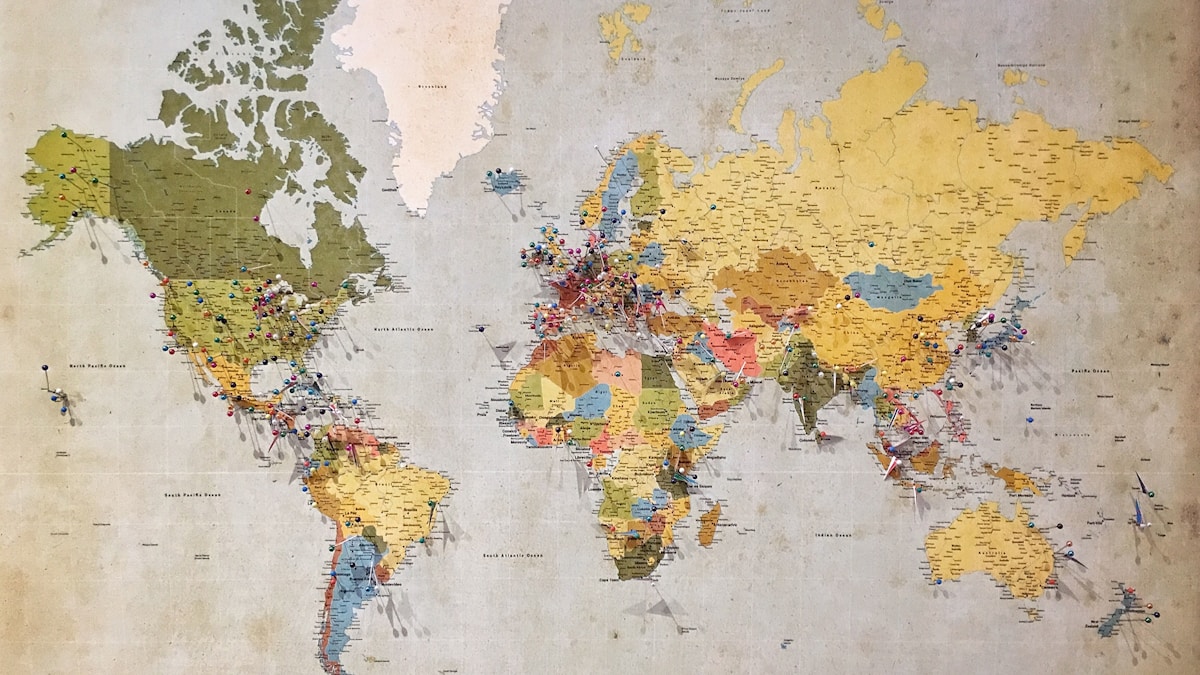
Geofencing is one of those fleet management features that sounds technical but delivers immediate, tangible value from day one. By drawing virtual bou...
What is geofencing and how does it work
A geofence is a virtual perimeter defined around a real-world geographic area. When a GPS-tracked vehicle crosses that boundary — either entering or exiting — the system triggers an event. That event can generate a push notification to the fleet manager, log an entry in the vehicle's timeline, or even initiate an automated action like sending an alert to the driver. The technology relies on the GPS coordinates reported by the telematics device installed in each vehicle, compared against the boundary coordinates stored on the server.
Top use cases for fleet geofencing
For rental companies, geofences prevent vehicles from leaving the authorized operating area. If a customer rents a car for city use and drives it across the border, you know immediately — not days later when the car returns with unexpected mileage. Corporate fleets use geofences to enforce usage policies: vehicles should remain within the metropolitan area during work hours, and any deviation triggers an alert. Logistics fleets draw geofences around customer delivery zones to automatically log arrival and departure times, eliminating manual delivery confirmations.
Setting up geofences in Fletaro
Creating a geofence in Fletaro takes less than a minute. Open the map view, click 'New Geofence', and draw your boundary by clicking points on the map. Give it a name, choose the alert type (entry, exit, or both), and select which vehicles or groups it applies to. You can also set time-based rules — for example, only trigger alerts outside business hours, or only on weekends. Changes take effect immediately; there is no waiting for a sync cycle or device update.
Geofencing best practices
Avoid making geofences too tight around exact addresses — GPS signals can drift 5-10 meters near buildings, causing false alerts. Add a buffer of at least 50 meters beyond the actual boundary. Name your geofences clearly and consistently so alerts are immediately understandable: 'MAD Airport T4' is better than 'Zone 7'. Review and clean up unused geofences quarterly; stale boundaries generate noise that trains your team to ignore alerts altogether.
Geofencing and regulatory compliance
In many industries, geofencing is not just a convenience — it is a compliance requirement. Transport operators must demonstrate that vehicles stayed within licensed routes. Rental companies need evidence that terms of use were respected when processing damage claims or insurance disputes. Construction and utility fleets must prove vehicles were on-site during billed hours. Geofence logs provide timestamped, GPS-verified proof that holds up in audits and legal proceedings.
Related articles
Fletaro — Software de gestión de flotas con GPS y acceso remoto